
When you use GridWall products, we provide a complete set of SBSAR files that allow you to easily access our materials and all of their adjustable parameters within the Substance ecosystem. The main purpose of providing SBSAR files is to give users full control over the materials, enabling easy customization without the need to create materials from scratch.
What Is an SBSAR File?
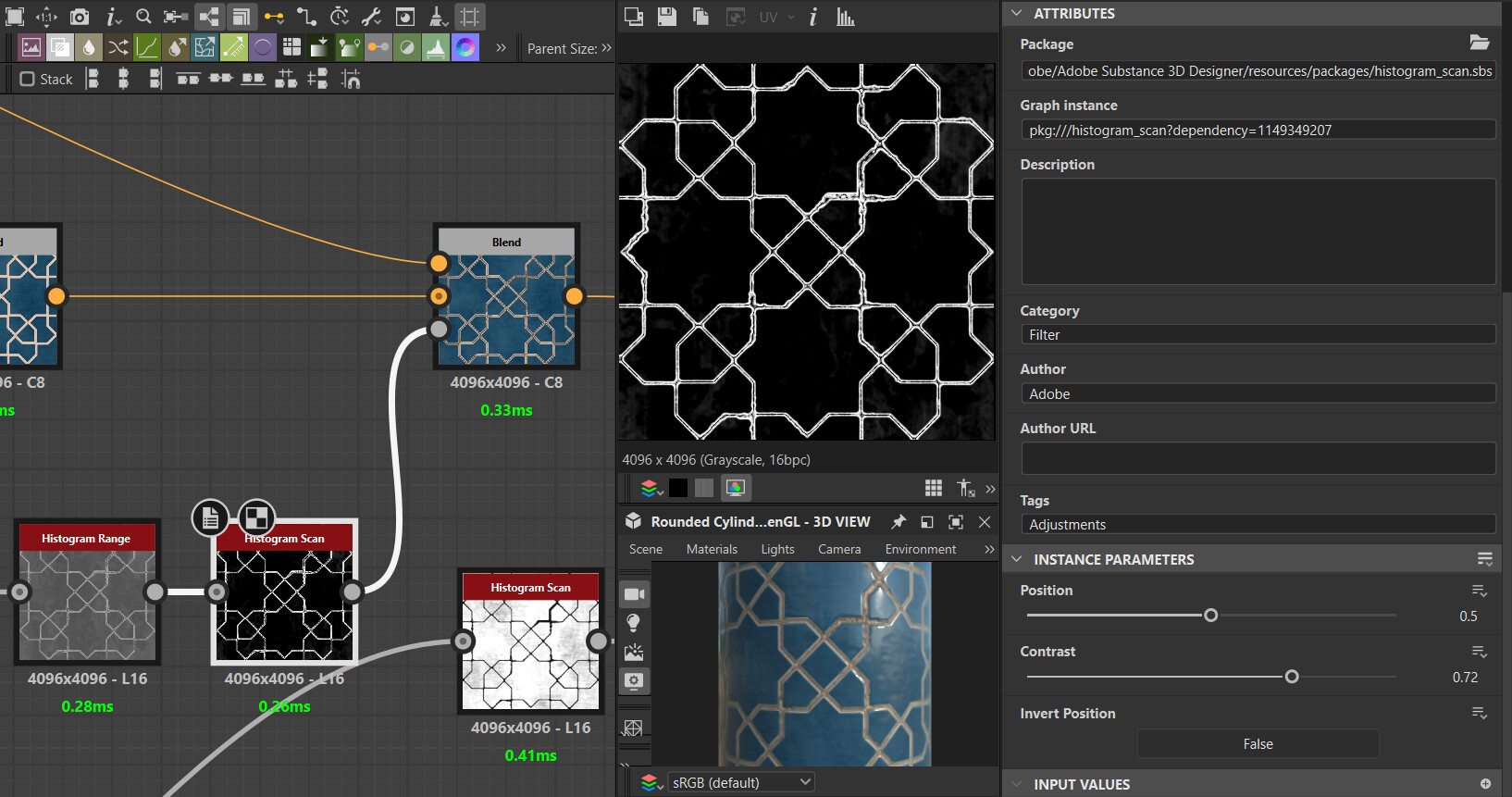
An SBSAR file is a compiled, executable version of a procedural material, typically created using Substance Designer or Substance Sampler. Unlike standard image textures (such as PNG or JPG), an SBSAR file contains the full procedural logic of the material, along with exposed parameters that can be adjusted by the end user.
In simple terms, an SBSAR file is a smart material prepared by the creator, allowing users to customize its appearance by changing sliders and values—without requiring deep technical knowledge of material creation.
Benefits of Using SBSAR Files
Using SBSAR files comes with several key advantages:
- Parametric Materials: Adjust colors, pattern scale, surface details, roughness, normal intensity, wear, dirt, and more in real time.
- Seamless Integration with Substance Tools: SBSAR files work consistently across all Substance applications.
- Time and Storage Efficiency: One SBSAR file can generate countless texture variations, reducing the need for multiple texture sets.
- Full Control Over Output: Choose your desired resolution and export settings with precision.
What If You Don’t Use Substance Software?
Some users may not work with Substance Designer or Substance Painter, or may prefer not to switch between multiple Substance applications just to export textures. For these situations, Adobe offers a free and user-friendly tool called Substance 3D Player (formerly known as Substance Player).
Introducing Substance Player
Substance Player is a lightweight, free application that allows you to open and use SBSAR files without any other Substance software. With this tool, you can:
- Open SBSAR files easily
- Access exposed material parameters (if available)
- Preview material changes in real time
- Export textures at your desired resolution, up to 4K quality
- Transfer exported textures directly into your target software such as Blender, Maya, 3ds Max, Unreal Engine, Unity, and more
This simple yet powerful tool provides essential features that let you quickly prepare SBSAR materials for use in any 3D pipeline.

Using SBSAR Files with GridWall Products
All GridWall products that support SBSAR files are fully compatible with this workflow. Even if you are not a Substance user, you can rely on Substance Player to open, customize, and export our materials with ease, tailoring them perfectly to your project requirements.
At the end of this article, we will provide the official download link for Substance Player from Adobe’s website, so you can safely download and start using this tool right away.
Download Substance Player
Using SBSAR Files with Substance Applications
Substance Player is the easiest and most straightforward way to work with SBSAR files, especially for users who want quick results without dealing with complex software workflows. It is ideal for artists who only need to adjust parameters and export textures efficiently.
Using SBSAR Files in Substance Painter
For users who already have Substance Painter, working with SBSAR files is extremely simple. You can import SBSAR files directly into your shelf and use them as smart materials or procedural textures. Once imported, all exposed parameters become available inside Painter, allowing you to customize the material in real time and apply it directly to your 3D models.
This workflow is perfect for texturing artists who want full control over materials while staying entirely inside Substance Painter.
Using SBSAR Files in Substance Designer
If you are using Substance Designer, the process is even more straightforward. Simply drag and drop the SBSAR file into the Designer workspace. The material will load instantly, and all exposed parameters will be accessible. This allows you to analyze, tweak, or reuse the material efficiently within your node-based workflow.
Substance Designer provides the most technical level of control, making it ideal for advanced users who want to further customize or build upon existing SBSAR materials.
In this article, we covered the easiest and most efficient ways to use SBSAR files—from quick customization with Substance Player to professional workflows inside Substance Painter and Substance Designer. Our goal is to help you achieve maximum flexibility and control over your materials without unnecessary technical complexity.
If you are looking for high-quality, fully parametric materials ready for games, rendering, and visualization, GridWall products are designed to meet professional production standards. All our materials support SBSAR workflows, allowing you to customize textures easily and adapt them to your specific project needs.
Below, you can find a selection of recommended GridWall materials that you can purchase and use immediately in your projects:
Stylized Wood Texture | Seamless PBR Material